
MDB File Viewer Open an MDB File in Excel
Open an MDB File in Excel
Excel for Windows imports Access tables directly. Excel for Mac has no Access import, so on a Mac the tables go through CSV first.
On Windows: import with Get Data
Excel for Windows reads Access databases through the Access Database Engine.
- In Excel, open the Data tab.
- Choose Get Data, then From Database, then From Microsoft Access Database.
- Select the
.mdbor.accdbfile. - Tick the tables you want in the Navigator, then choose Load.
Each table arrives on its own sheet.
On a Mac: why Excel cannot do it
Excel for Mac has a Get Data menu too, but Access is not on it. The engine that reads Access files has never been released for macOS.
The file is not damaged, and no setting will change this. The tables need converting to something Excel for Mac can read. CSV is the usual choice.
On a Mac: export to CSV, then open it
MDB File Viewer reads the database and writes one CSV per table.
- Open the
.mdbor.accdbfile in MDB File Viewer. - Tick the tables you need.
- Choose CSV. Use a comma separator, or a semicolon if your Excel writes decimals with a comma.
- Turn on the UTF-8 BOM option. Without it, Excel can garble accented and non-Latin text.
- Export, then open the CSV files in Excel.
Each CSV opens as its own workbook. To combine them, right-click a sheet tab, choose Move or Copy, and pick the destination workbook.
Convert MDB to CSV has the details on separators and on how each Access type is written.
Copy a few rows instead
Sometimes you need ten rows, not a table. Open the table in MDB File Viewer, right-click a row and choose Copy Row. Paste into Excel and the values land in separate cells.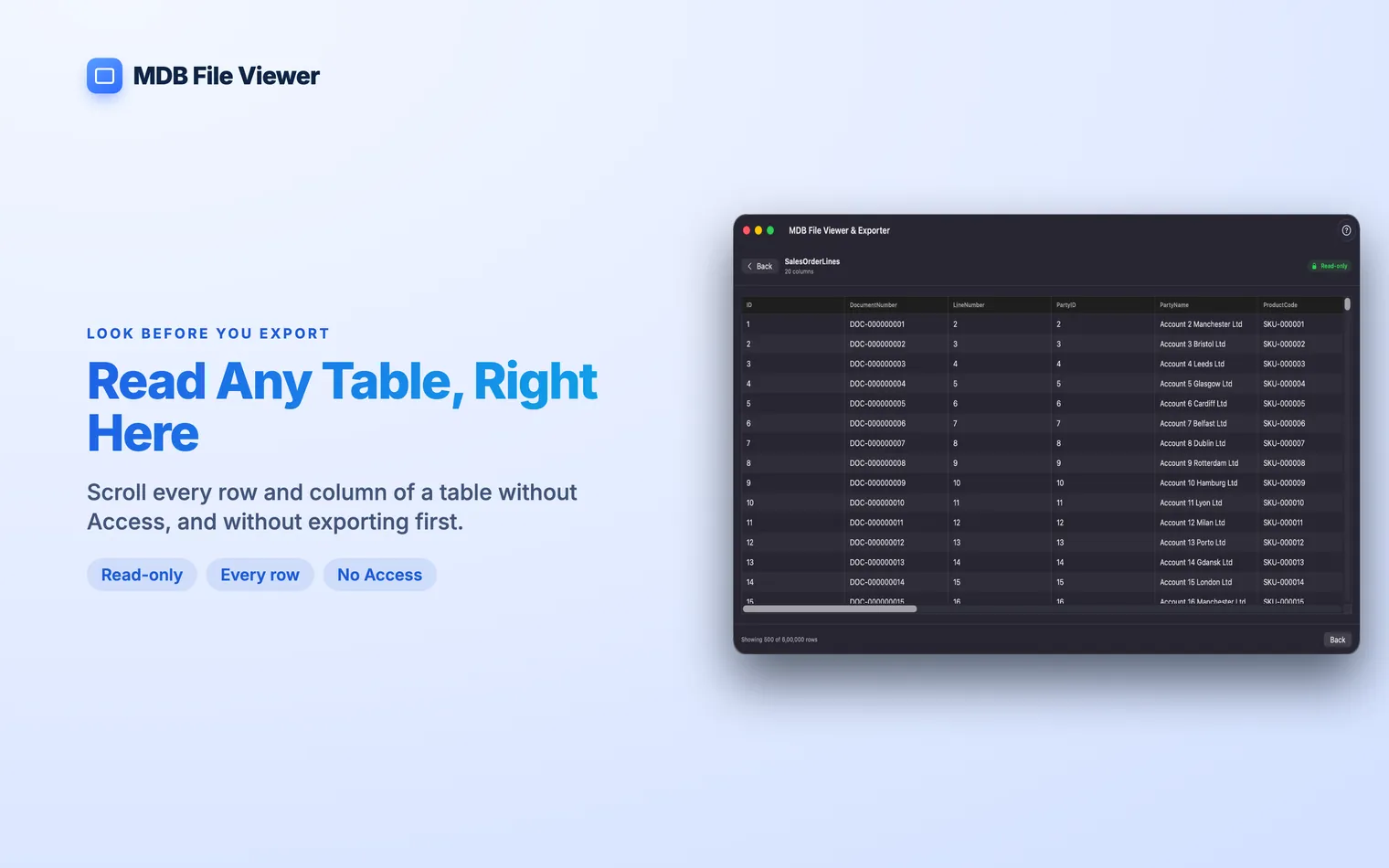
What Excel does to the data
Excel changes some values when it opens a CSV file. Check these before you trust the result.
Leading zeros disappear. A postcode like 00742 becomes 742, and so do part numbers. Import the file through the Data tab instead of double-clicking it. The import lets you set those columns to Text.
Long numbers lose digits. Excel keeps 15 significant digits. A 16-digit account number comes out wrong, often shown in scientific notation. Import those columns as Text as well.
Large tables are cut off. A worksheet holds 1,048,576 rows. A longer table loads partly, and Excel warns that the file was not loaded completely. Split the table, or use SQLite for that one.
Dates usually survive. MDB File Viewer writes dates as No. The reason is the same as for That is Excel for Windows reporting a missing Access Database Engine. Install the Microsoft Access Database Engine redistributable, choosing the same 32-bit or 64-bit edition as your copy of Office. Not yet. Export to CSV, open the file in Excel, then save it as a workbook.2003-01-02 12:00:00, which Excel recognises as a date and time.Questions
Can Excel for Mac open an .accdb file?
.mdb. Excel for Mac has no Access data source, because the database engine Excel uses for Access files only exists on Windows.Excel says the Microsoft.ACE.OLEDB.12.0 provider is not registered.
Can MDB File Viewer save straight to .xlsx?