
MDB File Viewer Open an ACCDB File on a Mac
Open an ACCDB File on a Mac
ACCDB is the newer Access format. Password-protected files are where many free tools stop.
What .accdb changed
Access 2007 introduced .accdb as the replacement for .mdb. For Mac users, the important change is encryption. A password-protected .accdb file needs a tool that understands its encryption scheme.
This is why some free converters fail without a useful error. They are not rejecting the password. They cannot read the encrypted file in the first place.
Reading one on macOS
The options are much the same as they are for .mdb, but encryption rules out some of them:
| Windows plus Access | Works, including encrypted files. Costs a licence and a virtual machine. |
|---|---|
| mdbtools | Reads many .accdb files. No encrypted ones. |
| Web converters | Usually unencrypted only, and the file leaves your machine. |
| MDB File Viewer | Opens both, prompts for the password, stays offline. |
What the export gives you
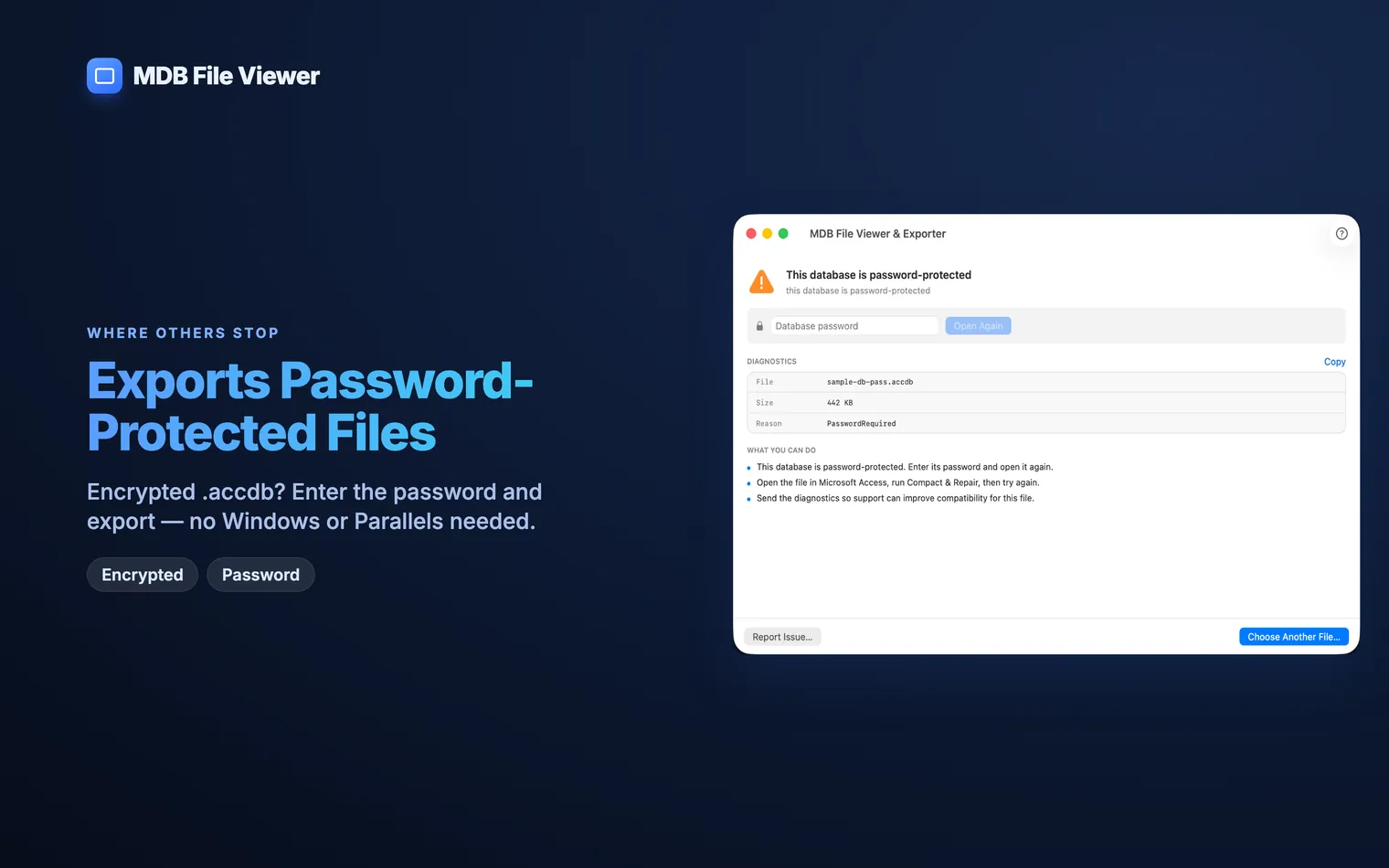
The app first lists every table with its row and column counts. Search by name, open a table and read every row and column before you export. You can copy a cell or whole row, or export the open table directly. Choose CSV with the right separator and encoding, or put every table into one SQLite database.
The source file stays read-only. A failed or cancelled export does not change the .accdb on disk.
You can also process a folder of .accdb files in one run. Each database gets its own output folder and a summary in text, JSON and CSV.
How to open an MDB file on a Mac covers the older format and the free routes in more detail. It can read many Many free tools do not support Then the database cannot be opened. Ask the person who sent it for the password. MDB File Viewer does not try to recover or bypass one.Questions
Can mdbtools open .accdb files?
.accdb files, but support is weaker than it is for .mdb. It cannot open an encrypted database. If the file needs a password, use another tool.I have the password but nothing will accept it.
.accdb encryption. They fail before they can ask for the password. MDB File Viewer supports the encryption scheme and prompts when it opens the file.What if I do not have the password?