MDB File Viewer Microsoft Access for Mac
Microsoft Access for Mac
Microsoft does not make Access for macOS. A Microsoft 365 subscription does not change that.
The short answer
Microsoft Access is a Windows application. Plans that include it provide the Windows version only. Paying for a different Microsoft 365 plan will not add it to your Mac.
The useful alternative depends on what you need to do.
If you need to build a database
LibreOffice Base is free and runs on macOS. It is the closest structural match to Access, with tables, forms, queries and reports. The interface is dated, and it takes time to learn.
FileMaker is a polished, Mac-native database app. Claris, which was an Apple subsidiary until 2019, makes it. The price is aimed at businesses.
Airtable works well for shared tables and simple forms. It is a hosted service, so check whether the data is allowed to leave your own systems.
If you need to run an existing Access database
Forms and VBA are the difficult part. They depend on Windows, and no Mac app fully reimplements them. Run Windows in Parallels and use Access itself.
If you only need the data
Often, the file came from someone else and all you need is a table or two. In that case, you do not need Access or a replacement database platform.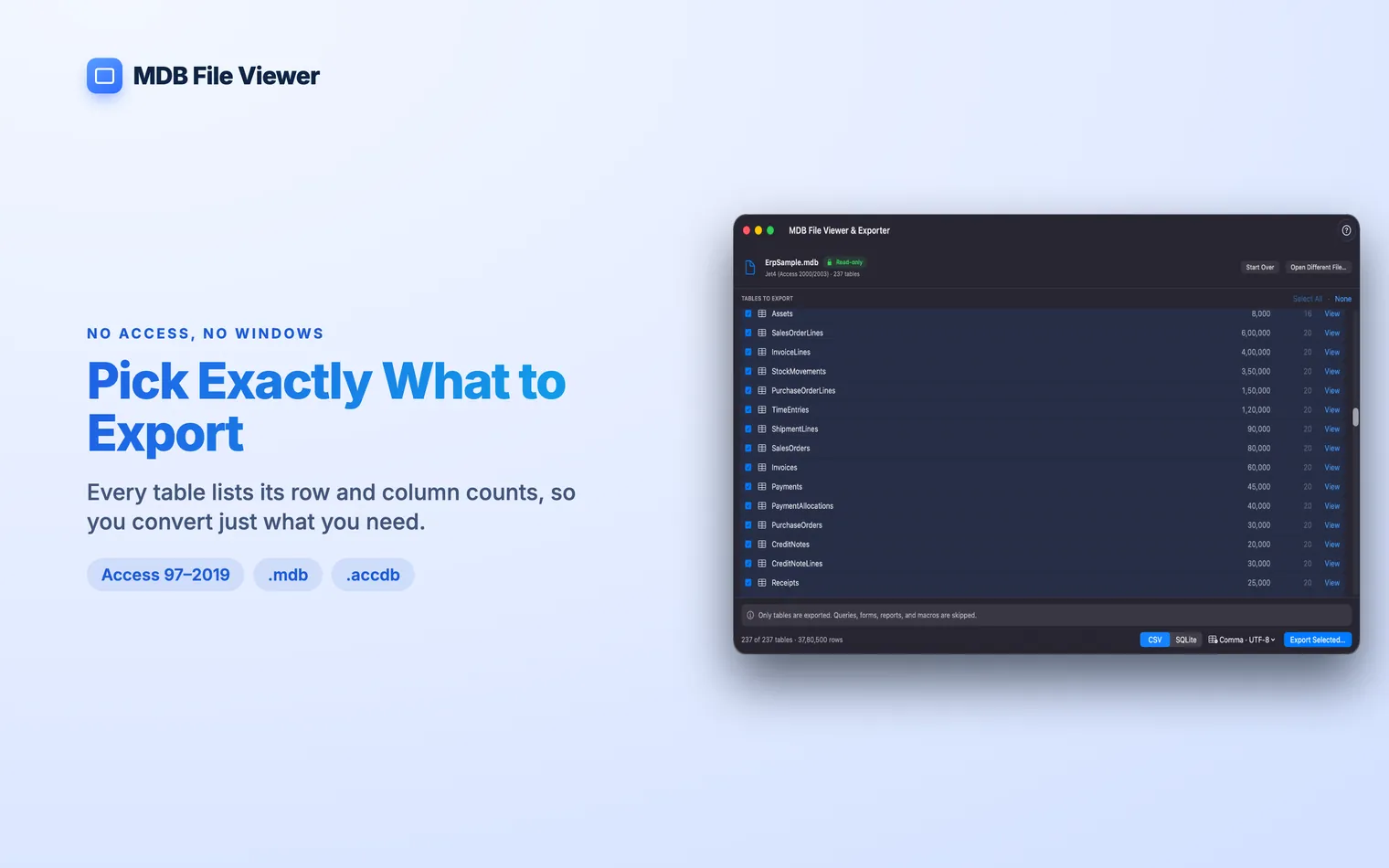
MDB File Viewer lists the tables and shows their row and column counts. Search by name, open a table and read every row and column without exporting first. You can copy a cell or whole row, or export the open table directly. Encrypted No. Plans that include Access provide the Windows version only. On a Mac, Microsoft 365 installs Word, Excel, PowerPoint, Outlook and OneNote. It does not install Access. Not for Mac OS X or macOS. Access has remained a Windows application, so there is no old Mac release to install. It depends on the job. LibreOffice Base and FileMaker can build databases with forms. A SQLite app works for querying data. If you only need the tables from an Access file, convert them instead of replacing Access..accdb files open with their password. The source stays read-only.Questions
Does Microsoft 365 include Access on a Mac?
Was there ever an Access for Mac?
What is the closest thing to Access on a Mac?