MDB File Viewer MDB Viewer Online
MDB Viewer Online
Online viewers do open .mdb files. The question is where the database goes while you look at it.
How an online viewer reads the file
A browser cannot open an Access database by itself. An online viewer gets around that in one of two ways.
It uploads the file. A server reads the database, then sends the tables back as a web page or a zip of CSV files. The whole file leaves your machine, including every table you never look at.
It reads the file in the page. JavaScript parses the database inside your browser tab. Nothing is uploaded, but you are still trusting that page’s code with the whole file while the tab is open.
The page rarely says which kind it is.
How to tell which kind you are using
Test it with a file that does not matter before you try the real one.
- Open the viewer in Safari or Chrome.
- Press Option-Command-I to open the developer tools. Safari needs “Show features for web developers” turned on in its Advanced settings first.
- Select the Network tab.
- Open your test file in the viewer.
- Look for a request roughly the size of the file. If one appears, the file was uploaded.
A test file of a few megabytes makes the upload easy to spot.
When an online viewer is fine
The data is yours, and losing control of a copy costs nothing. A sample database from a tutorial is a good example. So is a file whose contents are already public.
When it is not
Old Access files rarely belong to the person opening them. They come from clients, councils, former employers and retired servers. Membership lists, payroll and patient registers all turn up in .mdb files.
A contract may forbid sending that data to a third party. In the EU and UK, uploading personal data to a service you have no agreement with can breach GDPR. Once the file is uploaded, you cannot take that copy back.
Reading it offline on a Mac
I built MDB File Viewer with no network access at all. macOS sandboxes the app and does not let it open a connection. The database is read on your Mac, and the source file is never written to.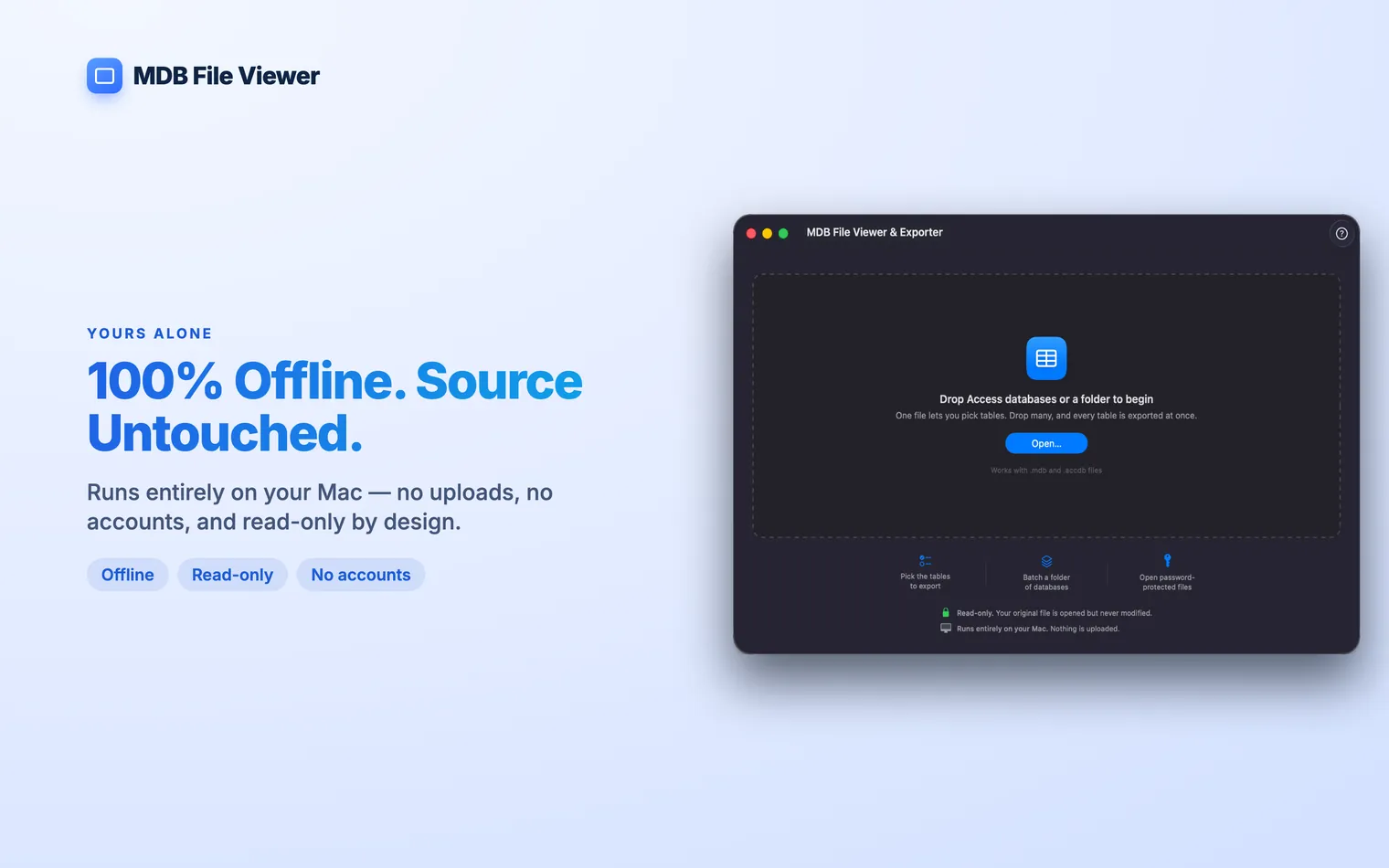
You get what an online viewer shows you. Every table is listed with its row and column counts. Open one and scroll through every row. Right-click to copy a value or a whole row.
It also does what many online viewers do not. Encrypted .accdb files open with their password. A 1 GB database works too. Export the tables to CSV or a single SQLite file when you need the data somewhere else.
The free offline route is Yes, several. Check the upload size limit and the retention policy first. Access files can grow to 2 GB, and a free tier may stop well short of that. Some online viewers read No. It reads a copy. If the viewer uploads the file, that copy stays on its server until the service deletes it.mdbtools on the command line. How to open an MDB file on a Mac shows the commands.Questions
Is there a free online MDB viewer?
Can I open an .accdb file online?
.accdb as well as .mdb. Password-protected .accdb files are harder. The viewer has to support Access encryption and ask you for the password.Does an online viewer change my database?