MDB File Viewer Convert MDB to CSV on a Mac
Convert MDB to CSV on a Mac
Each Access table becomes one CSV file. The details that matter are the separator, the encoding, and what happens to dates, blanks and binary fields.
What you get
One CSV file per table, named after the table. The first row holds the column names. Values that contain the separator, a quote or a line break are quoted, so a multi-line memo field stays in one row.
Next to the CSV files, the app writes a summary of the run. It lists every table with its row count, plus anything it could not read. The summary is saved three ways: a text file to read, and JSON and CSV versions for scripts.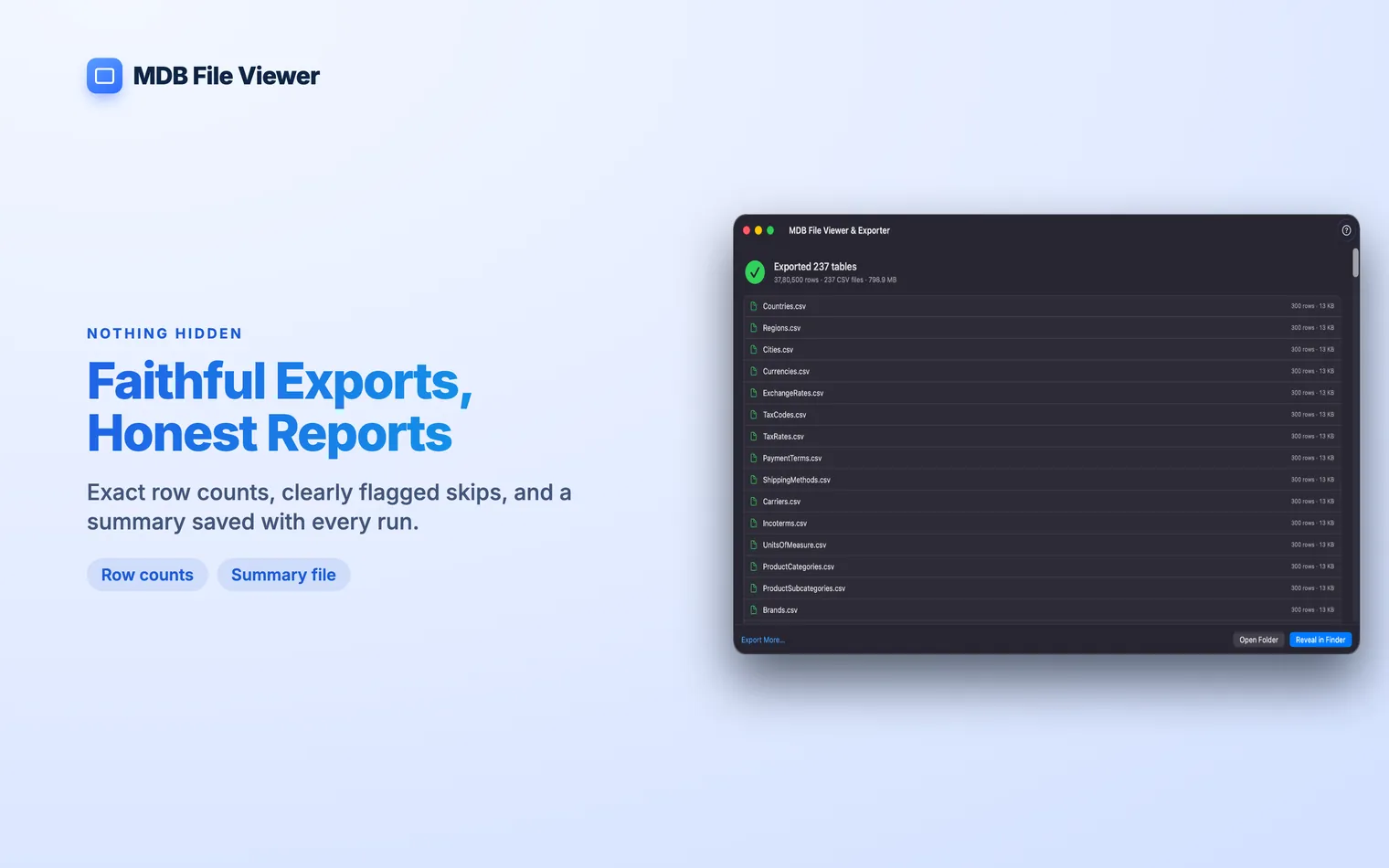
Converting a database
- Open the database. Choose the file, drag it onto the window, or use Open With in Finder. An encrypted
.accdbasks for its password. - Check the data. Open a table and scroll through it before you export. A table with 600,000 rows opens in a couple of seconds.
- Pick the tables. Search the list by name, then tick the tables you need or select them all.
- Choose the CSV options. Pick a separator, and decide whether to add a UTF-8 BOM.
- Export. Choose a folder. The CSV files and the summary land there.
If you only need the table on screen, export it from the viewer without going back to the list.
Which separator to pick
| Comma | The default for most tools, and for Excel in English-speaking countries. |
|---|---|
| Semicolon | Excel in countries that write decimals with a comma, such as Germany and France. A comma-separated file opens there as one long column. |
| Tab | Saved as .tsv. Useful for tools that expect tab-separated text. |
How Access values come out
CSV is plain text, so every value has to become a string. This is what the app writes:
| Date/Time | 2003-01-02 12:00:00. Spreadsheets read this as a date. |
|---|---|
| Yes/No | true or false. |
| Currency and Decimal | The exact digits stored in Access, such as 123.4500. Nothing is rounded. |
| Empty (Null) | An empty field. CSV cannot tell a Null from empty text. |
| OLE Object and binary | A placeholder such as <binary:2048 bytes>, not the data. |
The last two rows are limits of CSV itself. If Nulls or embedded files matter, export to SQLite instead. It keeps Nulls as Nulls and stores binary data as it is.
A folder of databases
Drop a folder and the app converts every database in it, including those in subfolders. Each database exports into its own folder, with its own summary.
A database that cannot be opened is skipped and named in the summary. A batch of 100 files never hides the 9 it could not read.
The free route: mdbtools
mdbtools exports CSV from the command line. Install it with Homebrew, then loop over the tables:
brew install mdbtools
mdb-tables -1 database.mdb | while read -r t; do
  mdb-export database.mdb "$t" > "$t.csv"
done
It is free and stays offline. It cannot open an encrypted .accdb. Date format, quoting and line endings are set with flags, which man mdb-export lists.
Taking the CSV files into Excel has its own traps. Open an MDB file in Excel covers them. Yes. Select all tables in the list before you export. To convert several databases, drop the whole folder. Each database gets its own output folder. No. CSV holds table data only. Saved queries are not run, and forms, reports, macros, relationships and indexes are not exported. Excel guesses the encoding of a CSV file, and it often guesses wrong for UTF-8. Turn on the UTF-8 BOM option before you export. The BOM tells Excel which encoding to use, so accents and non-Latin text come through intact. Yes. Questions
Can I convert every table at once?
Does the CSV include queries, forms or relationships?
Why does Excel show broken characters in my CSV?
Can I convert ACCDB to CSV the same way?
.mdb, .accdb, .mde and .accde files all export the same way. An encrypted .accdb asks for its password when you open it.